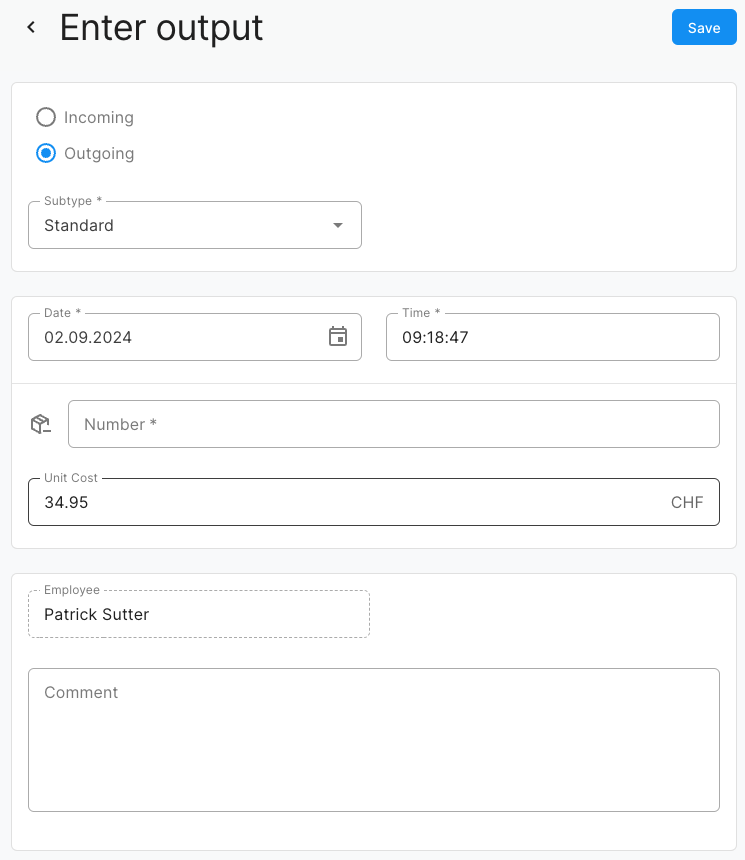
How do I record an outgoing stock?
Make sure that your product has been activated for stock management. If warehouse management is active, you will find the “Warehouse” tab on the product details page. You can use the “Enter movement” button to enter another outgoing stock.
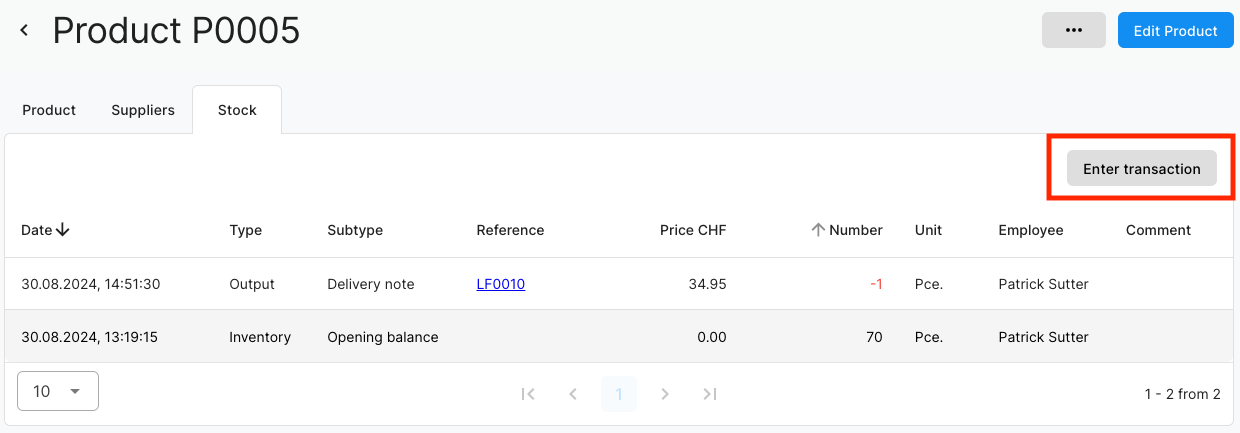
Stock issue
Various subtypes are available for the warehouse output:
- Standard
- Correction
- Defect
- Return
In addition, the exact time, quantity, price and a comment can be defined.