

How do you send invoices electronically via AbaNet?
The subscription-based add-on module AbaNetenables a media discontinuity-free and highly automated data exchange with business partners.
The following instructions will show you step by step how to transmit electronic invoices directly to your business partner's ERP system (currently only AbaNet from Abacus E-Business) after having activated the AbaNet add-on module.
Furthermore, with the AbaNet module it is also possible to send COOP e-bills in the ZUGFeRD format.
1. Basic settings for sending invoices
For the correct invoicing with AbaNet, we recommend:
- Entering company data
- Establishing or registering bank account details
- If required, storing the ESR details for the use of payment slips
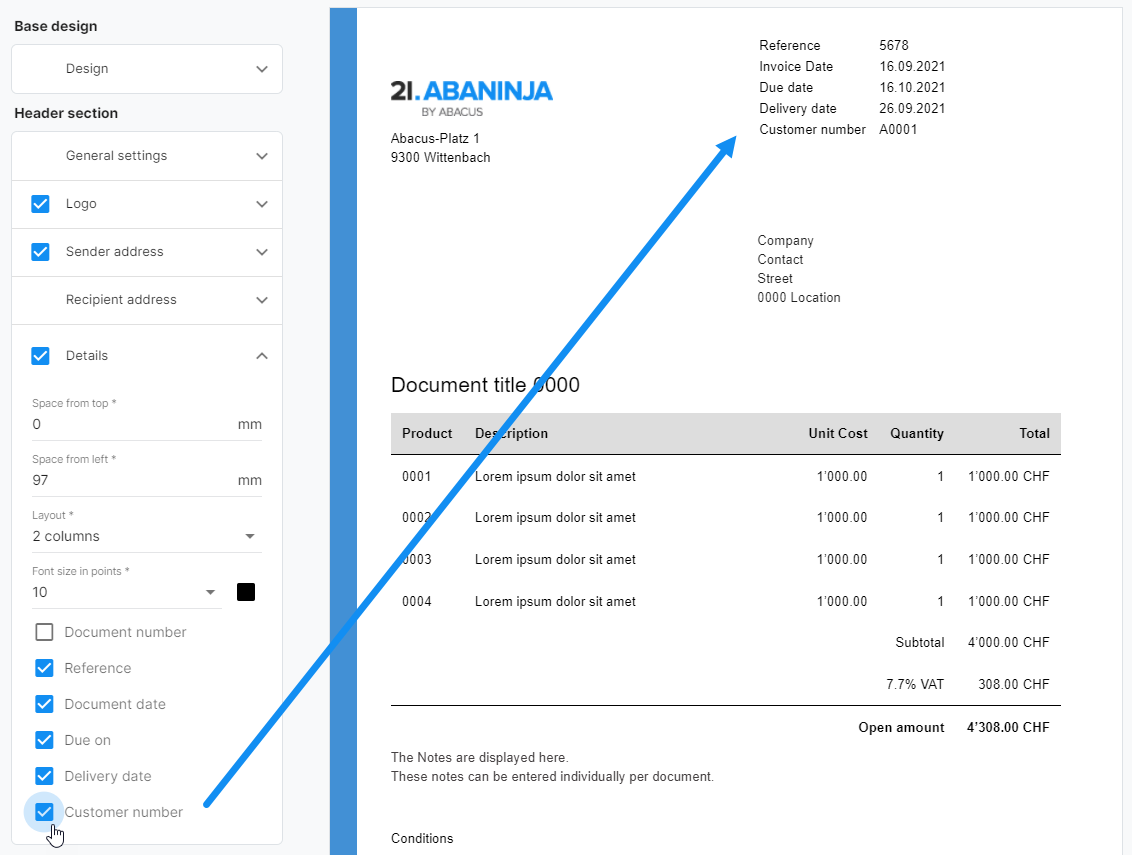
- Customizing the design of individual documents
Important: Please enter your company ID and VAT number under "Settings > Company Details"
Note: We regularly hold free online webinars to help you with the set-up and the first steps. If you require any individual advice, our Swiss21 digital coaches are also here to offer support.
2. Customer data
Below you will see how to enter the address of a business partner to whom you want to send invoices directly and electronically.
2.1 Addresses
By selecting the menu item "Addresses" you can enter a new address, for instance for your COOP customer.
2.2 Contact person
Let us now enter the competent contact person for your business partner. To do this, switch to the "Contact person" tab in the lower area and fill in first name, last name and e-mail address.
2.2.1 General
In order for the invoices to be transferred directly to your business partner's ERP system (AbaNet from Abacus E-Business), you must register the AbaNet network under the tab "General". To do this, select AbaNet or AbaNetWebAccess and complete the adjacent field with the corresponding participant number or e-mail address. Your business partner will be able to provide this information.
2.2.2 Transmitting e-invoices to Coop in the ZUGFeRD-XML format
If you would like to send COOP e-invoices in a ZUGFeRD format, select AbaNetWebAccess and fill in the e-mail address InvoiceKWF_Abacus@coop.ch. This e-mail address is necessary for the technical transmission of the invoice from AbaNinja via AbaNet to COOP and is independent of the e-mail in Addresses or Contact person.
3. Invoice dispatch
You can either create invoices directly in AbaNinja or import invoices from third party systems and send them via AbaNinja. Instead of selecting "Send by e-mail" or "Print", you can choose "Send with AbaNet" for invoices to customers with stored AbaNet network data. In this example, the invoices in ZUGFeRD format are sent directly to COOP.
3.1 Invoice creation
More information on the creation of invoices here.
3.2 Importing invoices
 More information on the import of invoices here.