

Managing business units or not managing business units—what is the difference?
It is possible to connect multiple AbaNinja accounts to the same Abacus client. In Abacus, it is therefore possible to decide whether or not these AbaNinja accounts should be managed with different posting proposals. This is controlled via the Business Units option.
We always recommend selecting the option Manage business units, as this option cannot be changed retrospectively. Furthermore, it has no effect if you are only working with one AbaNinja account.
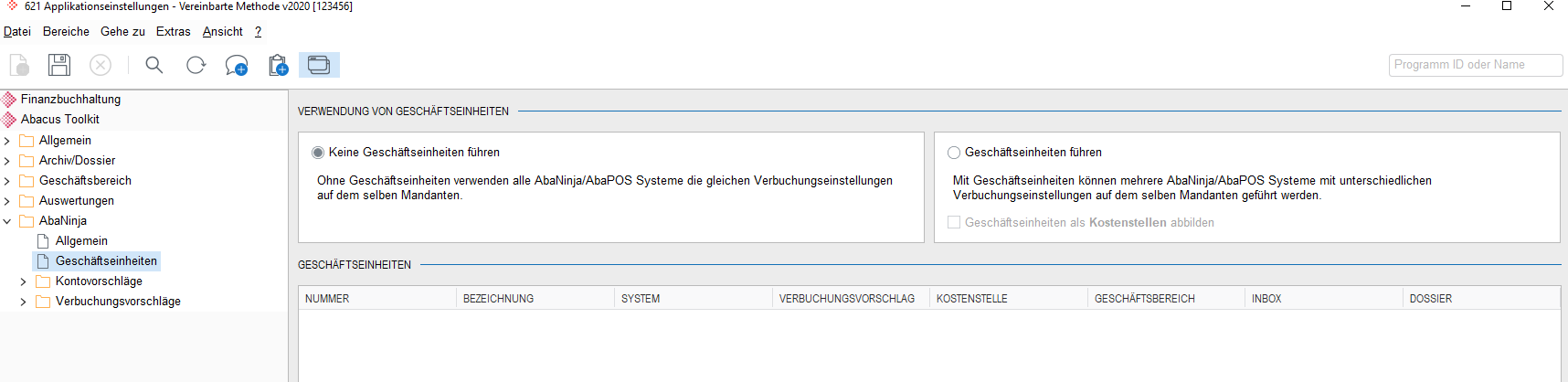
Do not manage business units
If several AbaNinja accounts are linked to one Abacus client, this setting does not allow you to distinguish between the different links/accounts. All postings flow into the same accounting system and it is not clear which AbaNinja account the documents originate from.
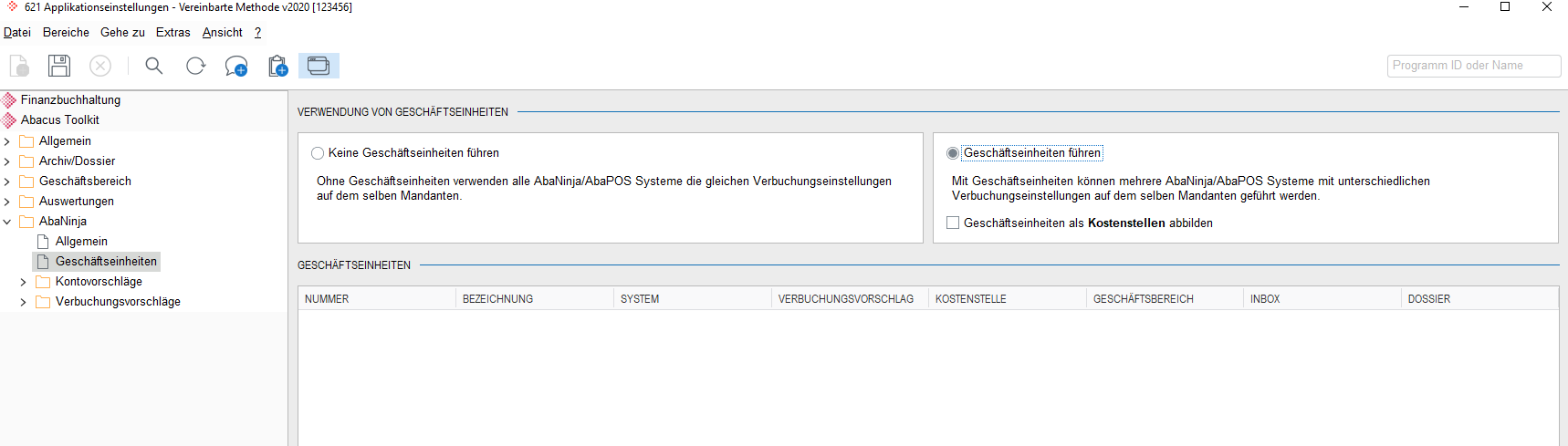
Manage business unit
If several AbaNinja accounts are linked to the same client, this setting allows each AbaNinja account to define and edit its own settings/posting proposals. In addition, each posting is stored with information about which AbaNinja account the postings originate from.
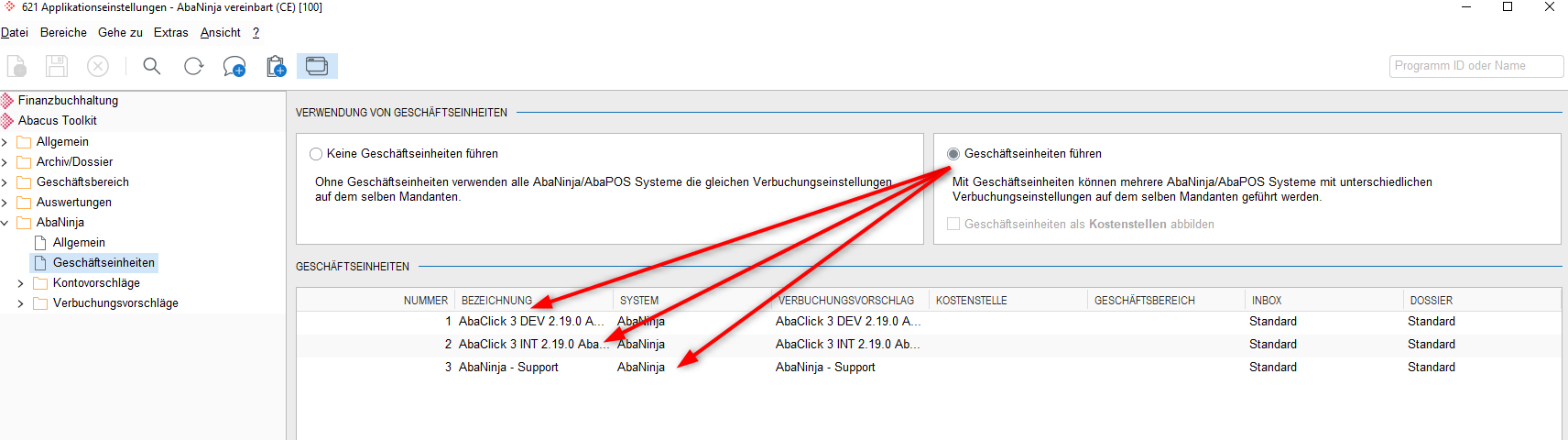
This setting applies to all of the following menu items:
Account proposals
- Cash accounts
- Accounts receivable
- Accounts payable
Posting proposals
- Posting journal
- Accounts receivable
- Accounts payable