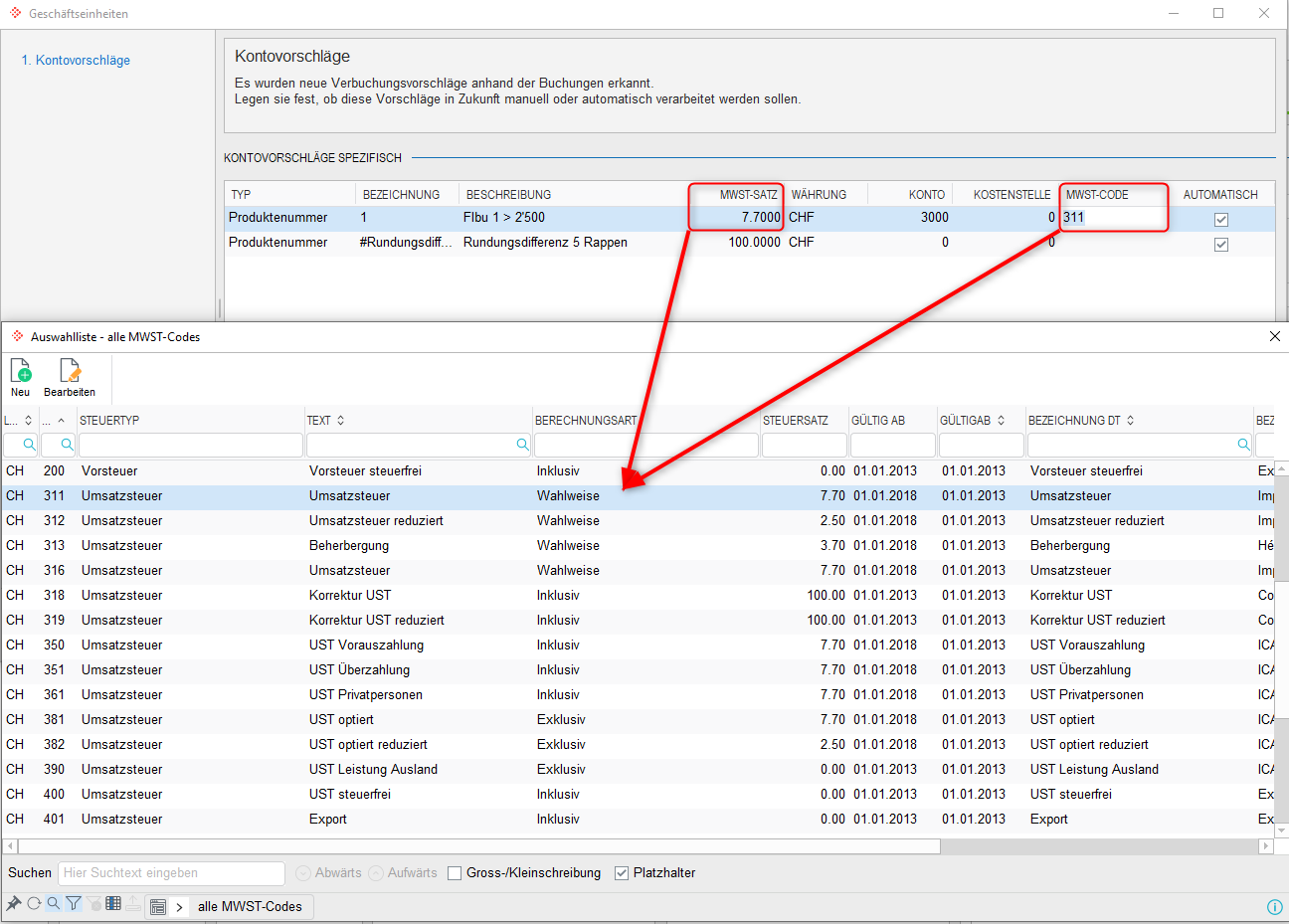
Can I post invoices with a flat tax rate in Abacus?
If a flat tax rate is used in the AbaNinja account, it must also be ensured in the Abacus client that the corresponding flat tax rate is available and configured accordingly.
Configuring the flat tax rate in Abacus
In the Abacus programme F5311 Define VAT codes, the flat-rate tax must be entered – for example, 6.10%.
One entry must be made for each reduced VAT rate.
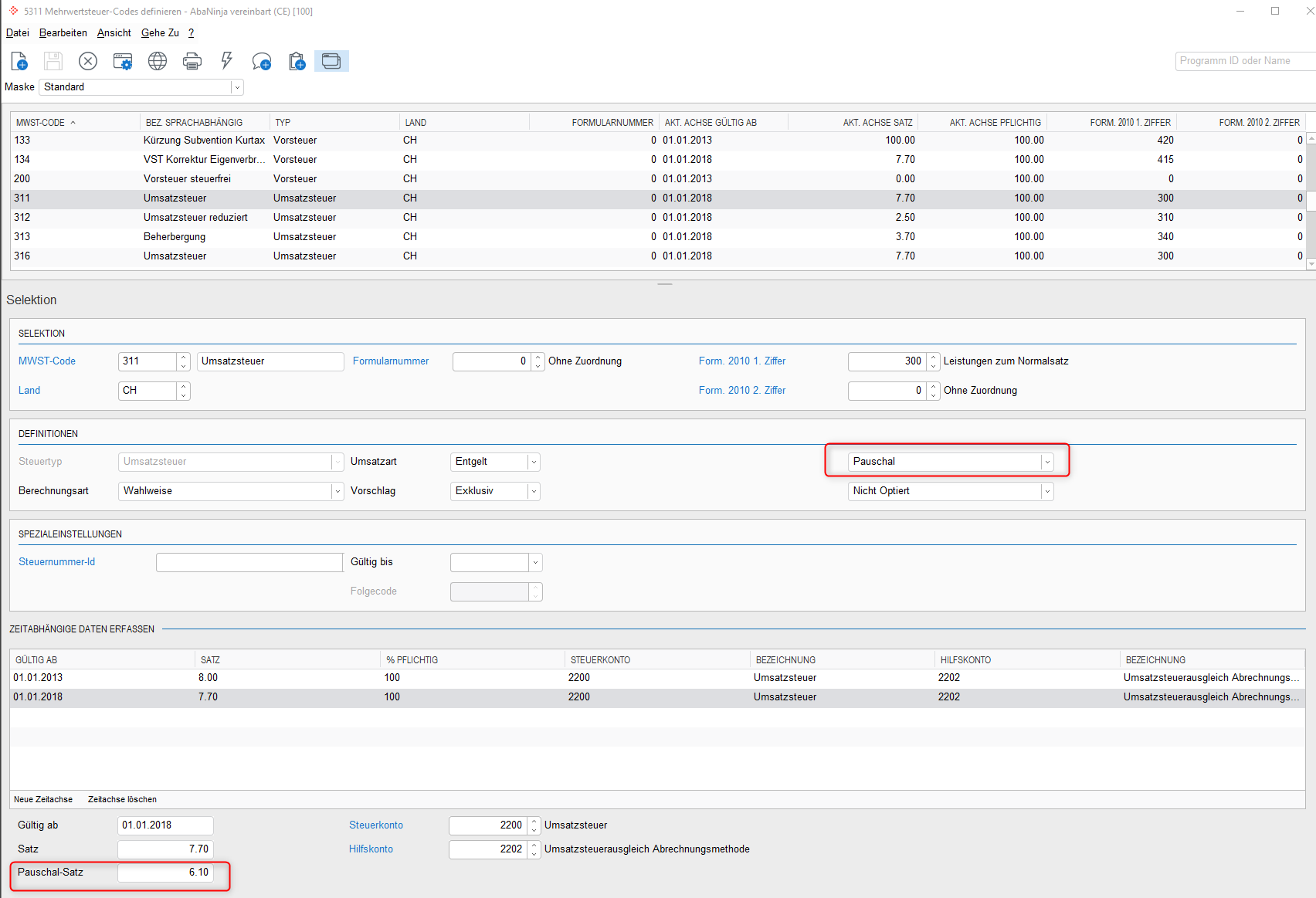
In addition, the calculation type Optional must be stored on the VAT code (e.g. code 311).
Posting a document
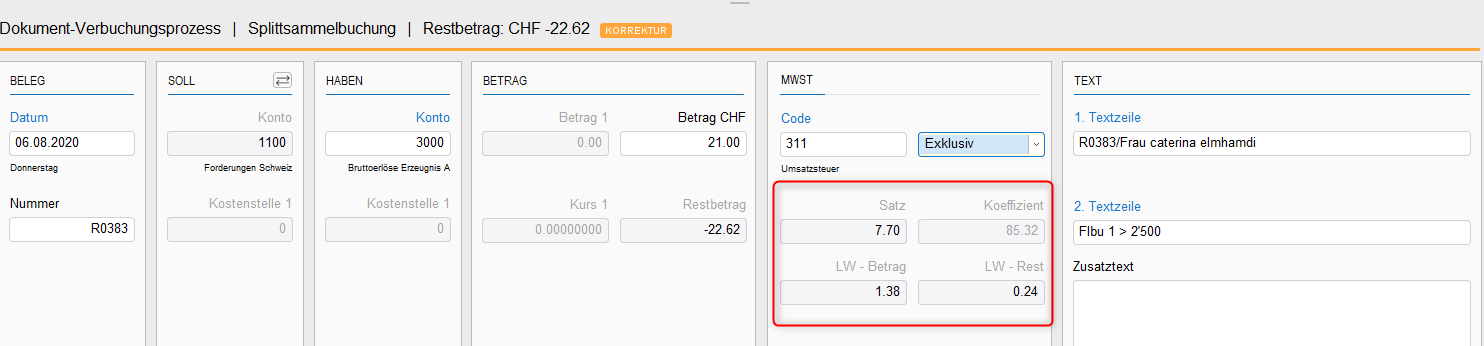
If an invoice with a VAT rate of 8.10% (example) is processed from the AbaScan inbox and the previously configured VAT code is selected, the VAT rate of 8.10% will also be visible on the entry. However, the VAT calculation will correspond to the flat tax rate of 6.10%.