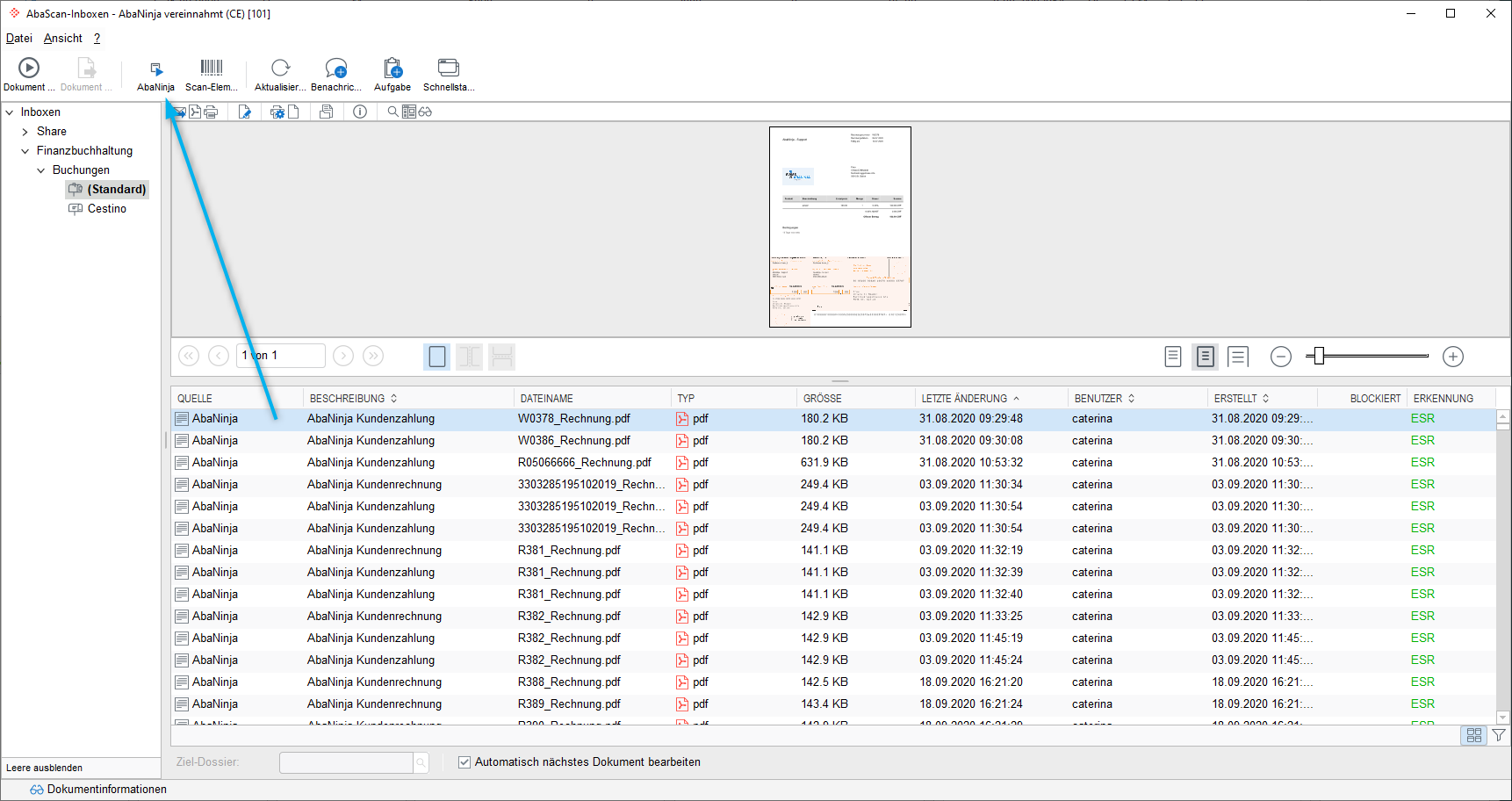
How can I choose in Abacus Financial Accounting whether only payments or invoices and payments should be posted?
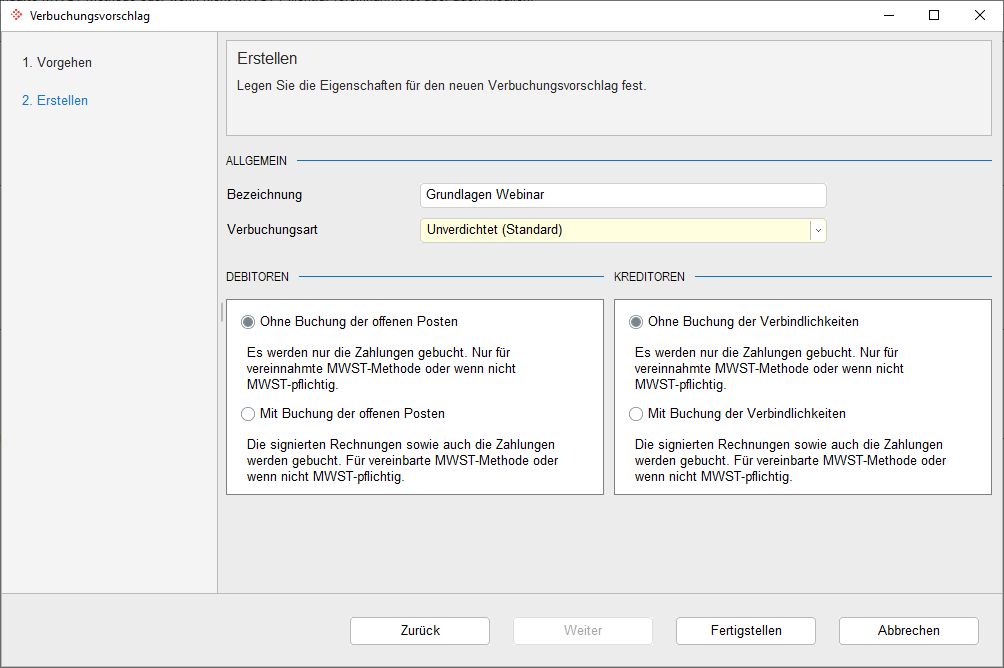
When processing a document for the first time, a wizard is launched that guides you step by step through the individual settings. You can choose whether only payments (without open items) or invoices & payments (with open items) should be processed from the AbaScan inbox in future.
Requirements
This setting is usually related to the VAT method (not subject to VAT, agreed or collected) defined for the Abacus client. It is therefore important to select the correct mode here, as it cannot be changed retrospectively.
This setting has no influence on the AbaNinja account. In AbaNinja, it is not possible to define whether billing is based on the agreed or collected method, and all receipts are always sent to the AbaScan inbox.
If the selection option is inactive, then the VAT method agreed is stored in the client (programme F6312). The selection can only be activated if the VAT method collected is stored.
Mode: With posting of open items/liabilities
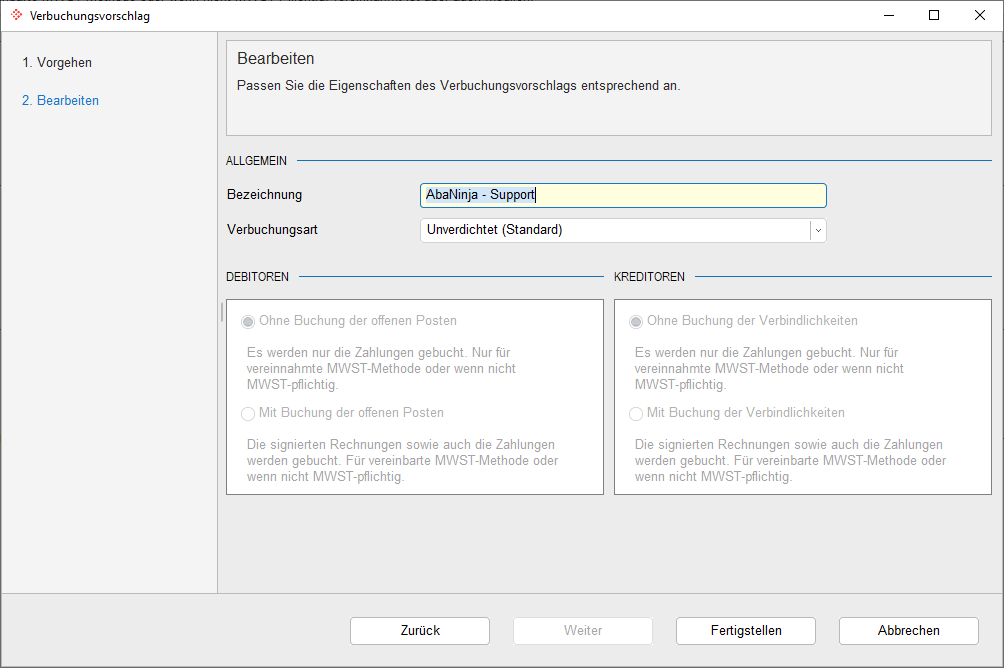
If you choose the mode With posting of open items/liabilities, both the transferred payments and the invoices from the AbaScan inbox will be processed.
Mode: Without posting open items/liabilities
If the mode Without posting open items/liabilities is selected for processing, only the transferred payments from the AbaScan inbox will be processed.
The invoices will be automatically removed from the AbaScan inbox. If there are still invoices in the AbaScan inbox, you can remove them from the inbox using the AbaNinja/AbaPos documents reprocess button.